How to Request Feedback After Conversation Resolution?
Start a feedback workflow after a qualifying transition to Resolved.
Recommended Settings
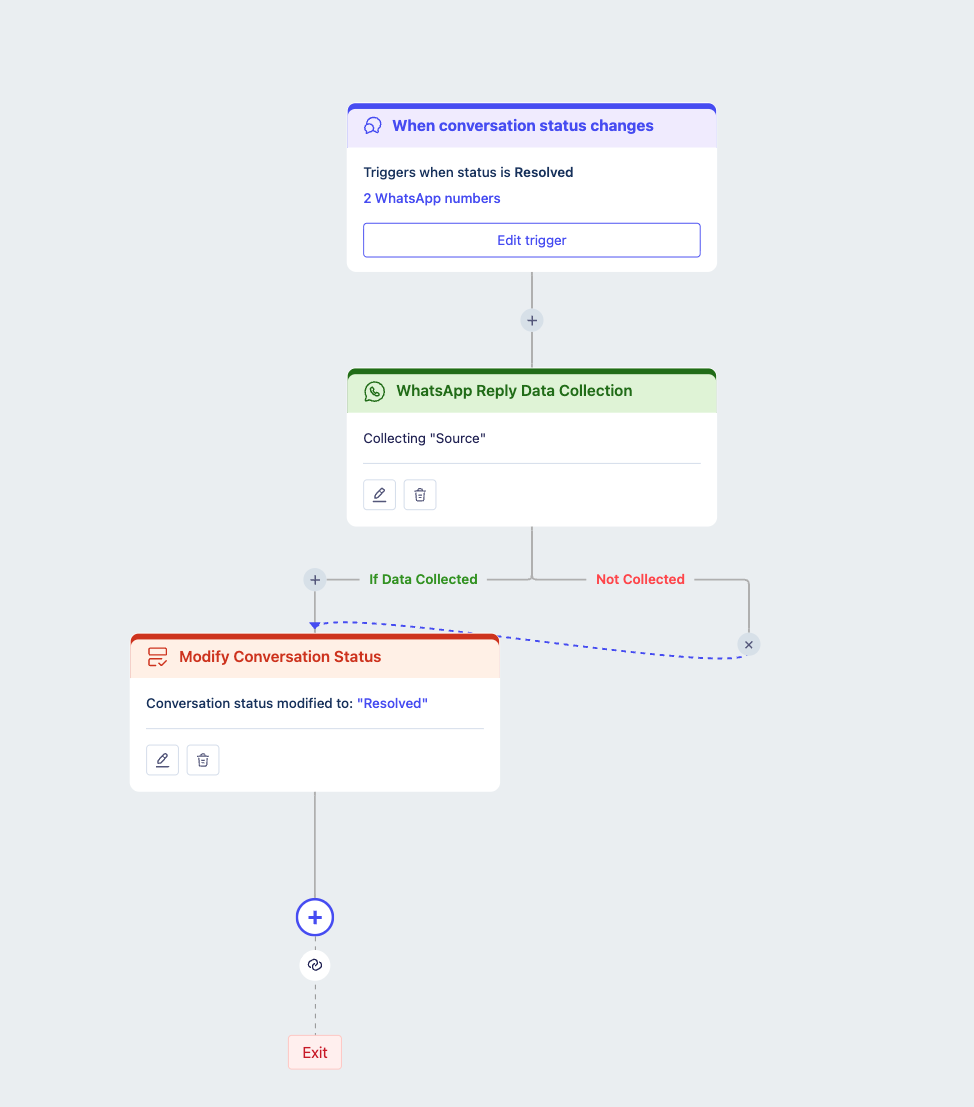
Example
After a qualifying resolution, the flow waits before sending a satisfaction-rating request.
State-only matching is recommended because the feedback request depends on the lifecycle event, not customer keywords. Enabling re-enrollment does not itself add a waiting period or a frequency cap; configure the required follow-up behavior separately.
Configure and Activate the Flow
Use the organization’s standard Contact object.
Add the Conversation Status Change trigger.
Apply the recommended settings above.
Connect the trigger to the required workflow actions.
Validate the flow, resolve configuration errors, and launch it.
Only the Active flow’s launched definition is used for enrollment.
Was this article helpful?
That’s Great!
Thank you for your feedback
Sorry! We couldn't be helpful
Thank you for your feedback
Feedback sent
We appreciate your effort and will try to fix the article