How to resolve a deliverability issue and repair your email reputation
Sending emails that land in spam is a problem for any marketer. But it’s definitely something you can fix!
With the ZEPIC platform, you can create a recovery plan to improve your status with mail servers and get your user interaction back to normal levels.
Here’s how you can resolve a deliverability issue and repair your email reputation in ZEPIC.
Step 1: Find the Cause via ZEPIC Logs
You must find the problem before you can fix it. ZEPIC logs allow you to see the difference between technical setup failures, content filters, and list quality issues.
• Look at spam complaint rates for each campaign to see if specific content is causing blocks.
• Look at SMTP bounce codes (5xx errors) to see why mail servers are rejecting your mail.
Step 2: Stop All High-Volume Campaigns Immediately
Sending many emails while your reputation is low makes the problem worse. You need to prevent mail servers from permanently blocking your sending domain.
• Access Live Flows and turn off high-volume marketing automations.
• Cancel or move upcoming bulk newsletter sends and review recurring triggers.
Step 3: Clean Your Lists Using Interaction Filters
Mail servers judge your history by how much users interact with your mail. Removing inactive users shows mail servers that you send messages to the users you want.
- Create a group of users who have not opened or clicked an email in the last 90 days.
- Use the "Remove from List" action to move these inactive users to a block list.
- Permanently stop sending to addresses marked as hard bounces or role-based addresses.
Step 4: Create an Active Repair Group
- Build a group specifically for users who have opened or clicked an email within the last 30 days.
- Set ZEPIC limits to keep daily sends to a small part of your list. Increase your daily amount by only 10% to 20% each day as long as interaction stays high.
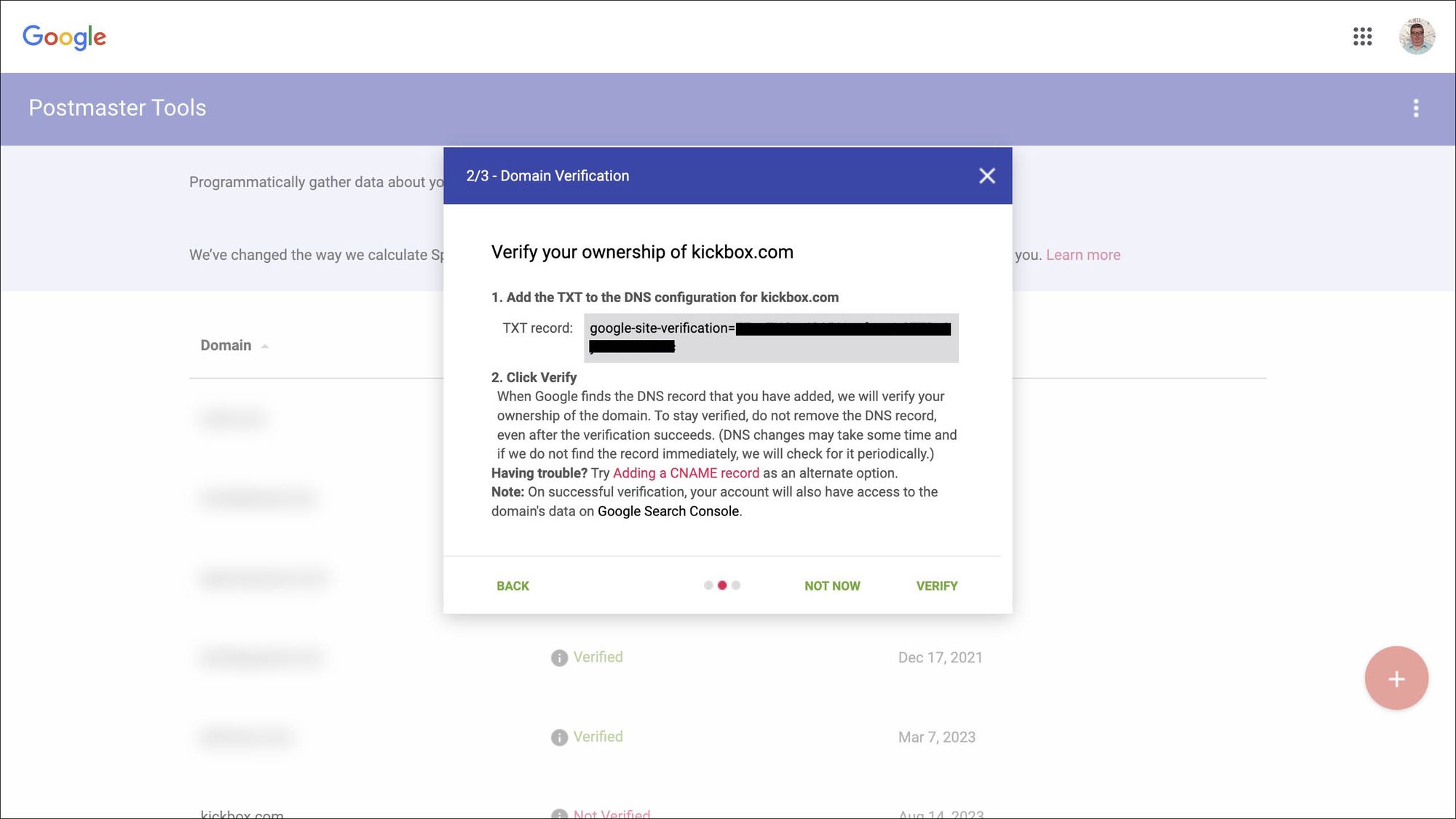
Step 5: Monitor Domain Reputation on Google Postmaster
- Link your domain to Google Postmaster Tools. Watch the IP and Domain Reputation charts daily.
- Only start full campaign activity after your status has stayed "High" for at least one full week.
Improving Email and Reputation: Quality and Quantity
Deliverability issues are common; the fix is to combine high quality with a controlled amount of mail over time.
- By using ZEPIC logs and list flows, you can move from sending to everyone to sending based on data.
- This method repairs your reputation and creates a better relationship with the users who value your message.
Was this article helpful?
That’s Great!
Thank you for your feedback
Sorry! We couldn't be helpful
Thank you for your feedback
Feedback sent
We appreciate your effort and will try to fix the article